
Remember These Points Before Starting a WordPress Website
A concise checklist to get your WordPress project started on the right foot with security, architecture, and performance.
Zoro Dev Team
Full-Stack & WordPress Engineers
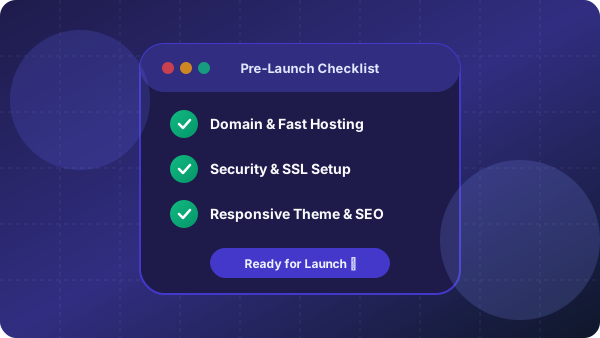
1. Clarify Website Goals & Technical Architecture
Before installing WordPress, clearly define the purpose of your website: is it an agency landing page, WooCommerce store, content blog, or membership portal?
Selecting the right theme architecture (Gutenberg Block theme vs Classic Theme) from day one saves hundreds of development hours.
2. Secure Your WordPress Setup from Day 1
Never use 'admin' as the administrator username. Use strong unique passwords, enforce 2-Factor Authentication (2FA), and change the default login URL (wp-login.php) to protect against brute-force bots.
Pro Tips & Key Takeaways
- Always enable SSL/HTTPS.
- Set up automated off-site backups with tools like UpdraftPlus.
3. Configure SEO-Friendly Permalinks
Immediately change default WordPress permalinks from plain query parameters (?p=123) to 'Post name' (/sample-post/) under Settings > Permalinks for optimal search engine indexing.
Conclusion
Planning your WordPress architecture carefully before development ensures a smooth launch and prevents costly redesigns in the future.
Need help with your project?
From custom Next.js web applications to blazing-fast WordPress solutions, we build results that matter.
Related Articles
Next.js Project Tips: Best Practices for Production
Master Next.js development with these expert tips. Learn to create faster, scalable, and more efficient web applications with ease.
WordPress Website Speed Optimization: Complete Guide
Boost your website's performance with practical tips to optimize WordPress speed. Learn essential strategies to improve loading times and enhance user experience.
Essential Plugins for Every WordPress Website
Take your WordPress site to the next level with must-have plugins for functionality, security, and performance.